If you can’t find Downloader on your Fire TV, Fire TV Stick, Fire TV Cube, or Fire TV Smart TV via a regular search, here are several alternative methods for finding and installing it.
Method 1: Appstore “Utilities” Category
Quick Instructions: Open the “Appstore” on your Fire TV, select the “All Categories” tab, select the “Utilities” category, and find Downloader in the list.
- Open the “Appstore” app on your Fire TV. You can find it in your list of apps or by saying “Open Appstore” or “Go to Appstore” into your remote microphone.

2. Select the “All Categories” tab.

3. Select the “Utilities” category.

4. Find and select the “Downloader” app.

5. Click Install.
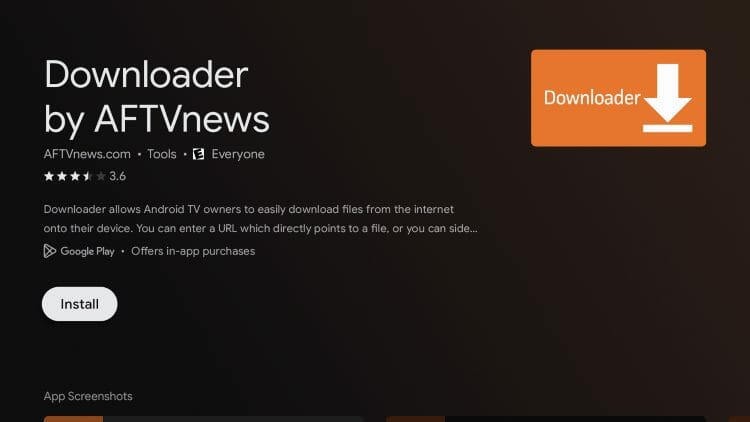
6. Click Open.

7. When prompted, click Allow.

8. Click OK.

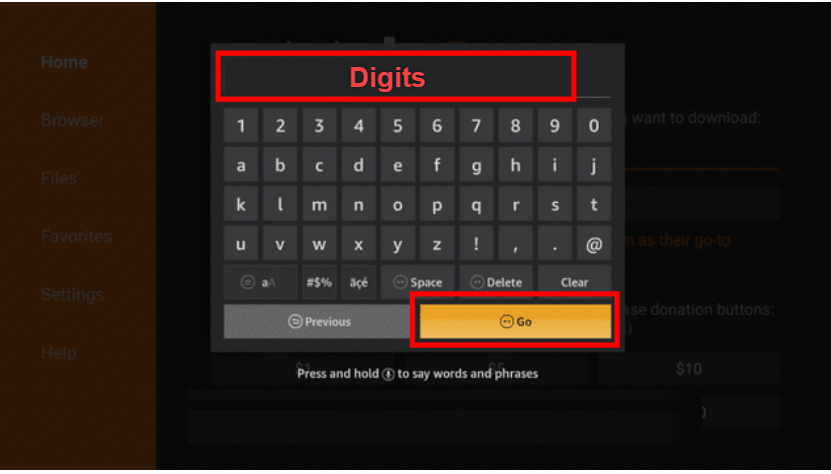
9. Hover over the URL bar and click the select button on your remote.

10. Type in the digits in the box only for the Elite Media Hub (NOTE – If you can’t download this app, it’s because you have an app called Apktime installed. You need to delete that app first)
-
-
- CODE WILL BE PROVIDED IF YOU BUY A PACKAGE VIA EMAIL
- Click GO
-
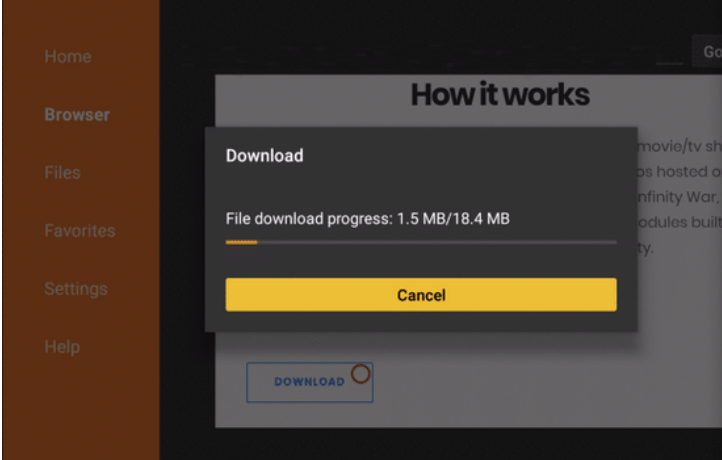
11. Wait for the file to download
12. We are now prompted to Allow Unknown Sources for Downloader. Click Settings.

13. Click the toggle to enable Unknown Apps for the Downloader Application.

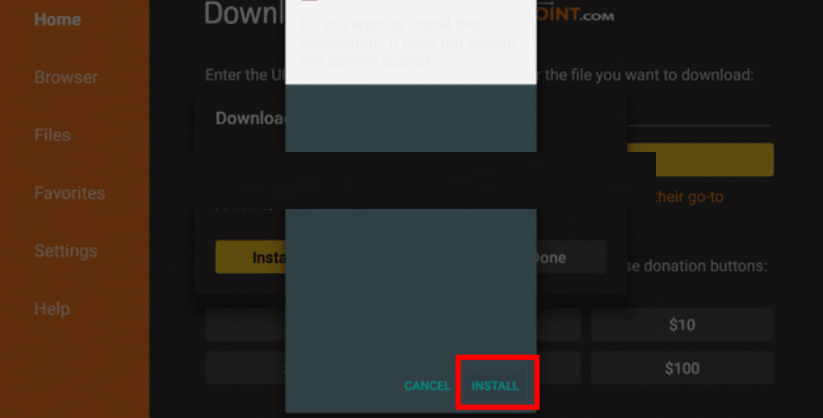
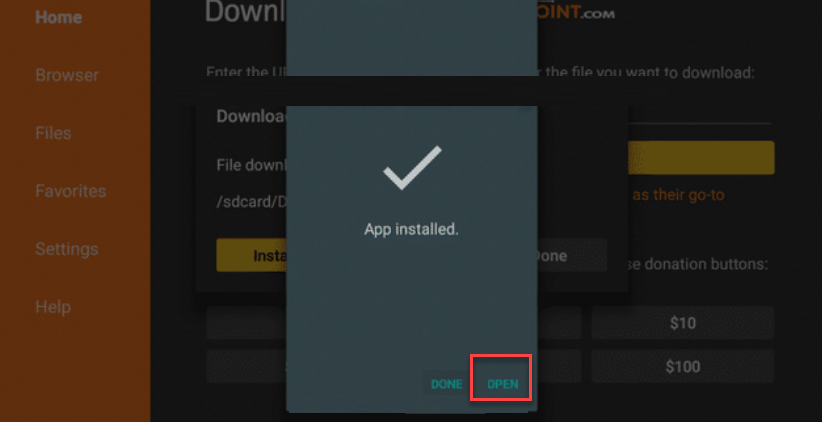
14. Select Install
15. You can now select Open to go ahead and choose the category of the service. You can download all the apps within the service you bought and delete the apps you don’t like.
Method 2: “Customers Also Bought” Section
If you view an app related to Downloader, you can scroll down to the “Customers Also Bought” list and likely find my Downloader app listed there. Other apps you can try checking include Bookmarker, Developer Options, VLC, and Emby.

Onn, Google TVs, and 4K Android Boxes – Disable Play Protect
Onn, Google TVs, and 4K boxes, we must disable Play Protect within Settings. Play Protect often blocks applications that users install outside of the Google Play Store.
1. From the home screen of your device or via the button on your remote, launch Settings and select the Gear icon.

2. Select Apps.

3. Click Security.

4. Turn the toggles off for both Scan apps with Play Protect & Improve harmful app detection. This will allow us to install apps outside of the Google Play Store.

5. After disabling Play Protect, we can continue to install the Downloader App, which allows for the sideloading of apps and APKs on the Onn. Google TVs, and 4K Android Boxes.
Onn, Google TVs, and 4K Android Boxes – Install Downloader App & Enable Unknown Sources
To sideload apps, we will use the popular Downloader App that is available in the Google Play Store.
1. From the home screen, select Apps.

2. Select the search bar.

3. Type Downloader and click the Search icon.

4. Select the Downloader App.

5. Click Install.
6. Click Open.
7. When prompted, click Allow.
8. Click OK.
9. Hover over the URL bar and click the select button on your remote.
10. Type in the digits in the box only for the Elite Media Hub App (NOTE – If you can’t download this app its because you have an app called Apktime installed. You need to delete that app first)
-
-
- CODE WILL BE PROVIDED IF YOU BUY A PACKAGE VIA EMAIL
- Click GO
-
11. Wait for the file to download
12. We are now prompted to Allow Unknown Sources for Downloader. Click Settings.
13. Click the toggle to enable Unknown Apps for the Downloader Application.
14. Select Install
15. You can now select Open to go ahead and choose the category of the service. You can download all the apps within the service you bought and delete the apps you don’t like.